
Learning to write code can be a daunting task, at least at first. Our approach will be to make the basic concepts of coding, HTML coding in particular, more relatable by connecting them to things with which we are familiar. If we can read basic to intermediate code, we can learn to understand what is being used, thus making it fairly easy to write the code we do understand.
In this lesson, we focused on the building blocks of HTML code: Tags and attributes.
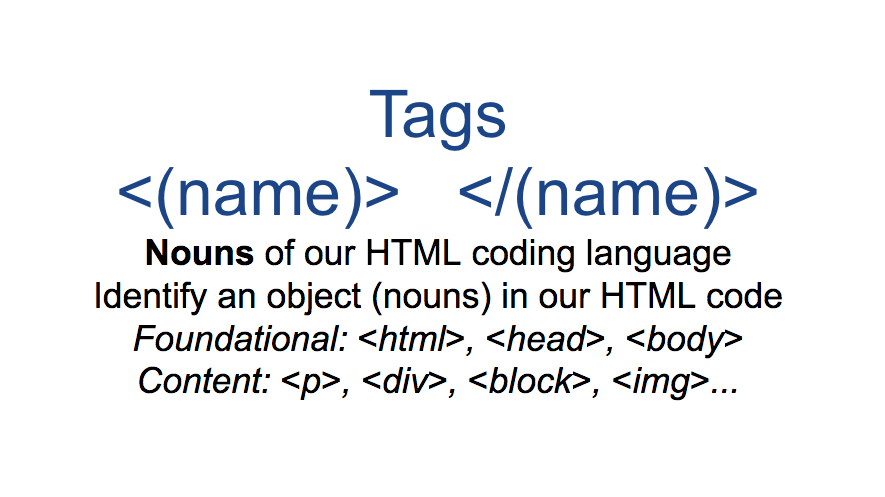
Tags: are the nouns within the html language. As one might guess, like the person, place, or thing, commonly understand as a noun; tags generally indicate an area, text, image, or thing, that needs to handled in our code. More properly stated: tags identify an object within our written code.
There are foundation tags, which allow our document to be read as an official html document. There are content related tags, focused nouns/objects we see, such as text, images, a divided area, etc.
Read the glossary on tag characters
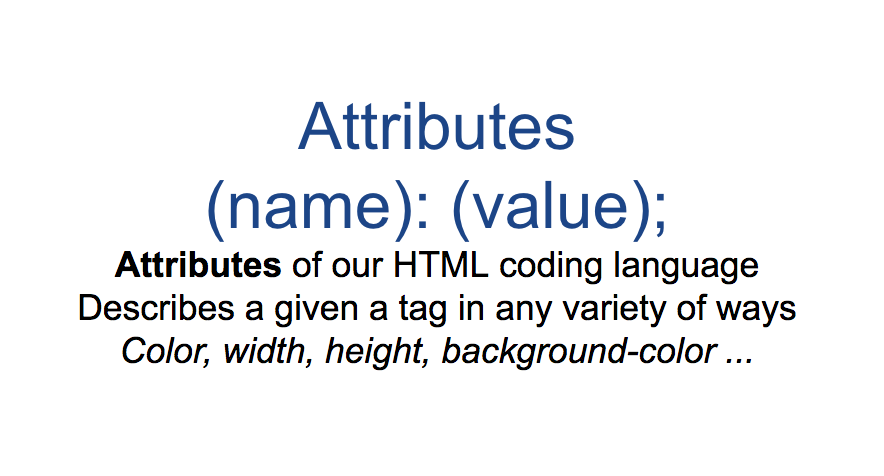
Attributes: much like adjectives, allow us to describe our tags. They allow us to tell the browser how we wish for any given content (or object) to appear.
Much like commonly used nouns, and others that aren’t, we often want to ensure the listener knows if we are referring to an apple or an exotic fruit. Even if we are talking about the general apple, you may want to be more specific (Is it a big apple? Is it green not red? Etc.) Attributes provide this ability in our code – describing the element’s height, width, color, etc.
Read the html glossary on attribute characters.
Basic Foundation and Content Tags: <html> <header> <body> <p> <img> <em> <br> <strong> <div> …
Attributes: width, color, border, padding, margin …
Values: pixels, em, percentage